A First Run That Asks Before It Shows
New to Shiro? It now asks a few questions, opens two sample books, and shows each lens once, so the app starts at the size of your project.
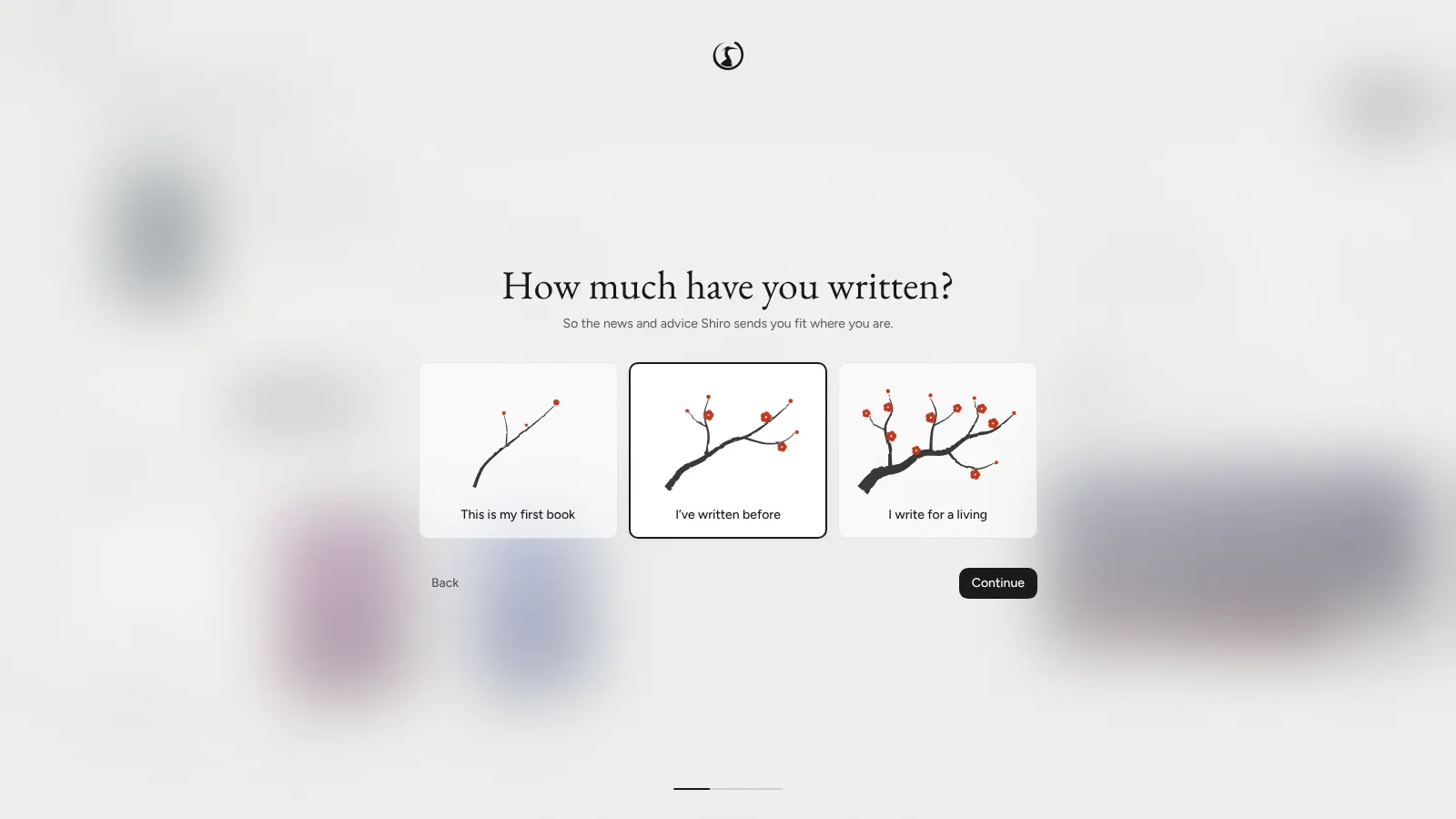
Opening a writing app for the first time usually means forty buttons and a blank page. Shiro now asks a few things first, and shows the rest of itself one lens at a time.
A Few Questions
What you would like to be called, whether you want AI at all, how much you have written so far, how much of Shiro to show, and a font and a text size for writing. Shiro opens in your computer’s language. If you sign in later, your answers follow you to your other devices, so nothing asks twice.
Two Books to Look Around In
Two sample books wait on the shelf: A Field Guide to Shiro, a manual you can poke at, and The Margin, a short novel to try every lens on before you have written a word of your own.
One Lens at a Time
The first time you open Home or a lens, a short tour points at what matters there, and Skip all tours or Escape ends it. After that, one quiet tip now and then. Simple mode keeps agents, plugins, models and AI tuning out of sight until you turn them on, in Settings, Getting started.