Talk to Shiro, and Hear It Answer
Hold the microphone in the chat to send a voice message, and Shiro reads its reply aloud. Hands-free, a pause sends what you said.
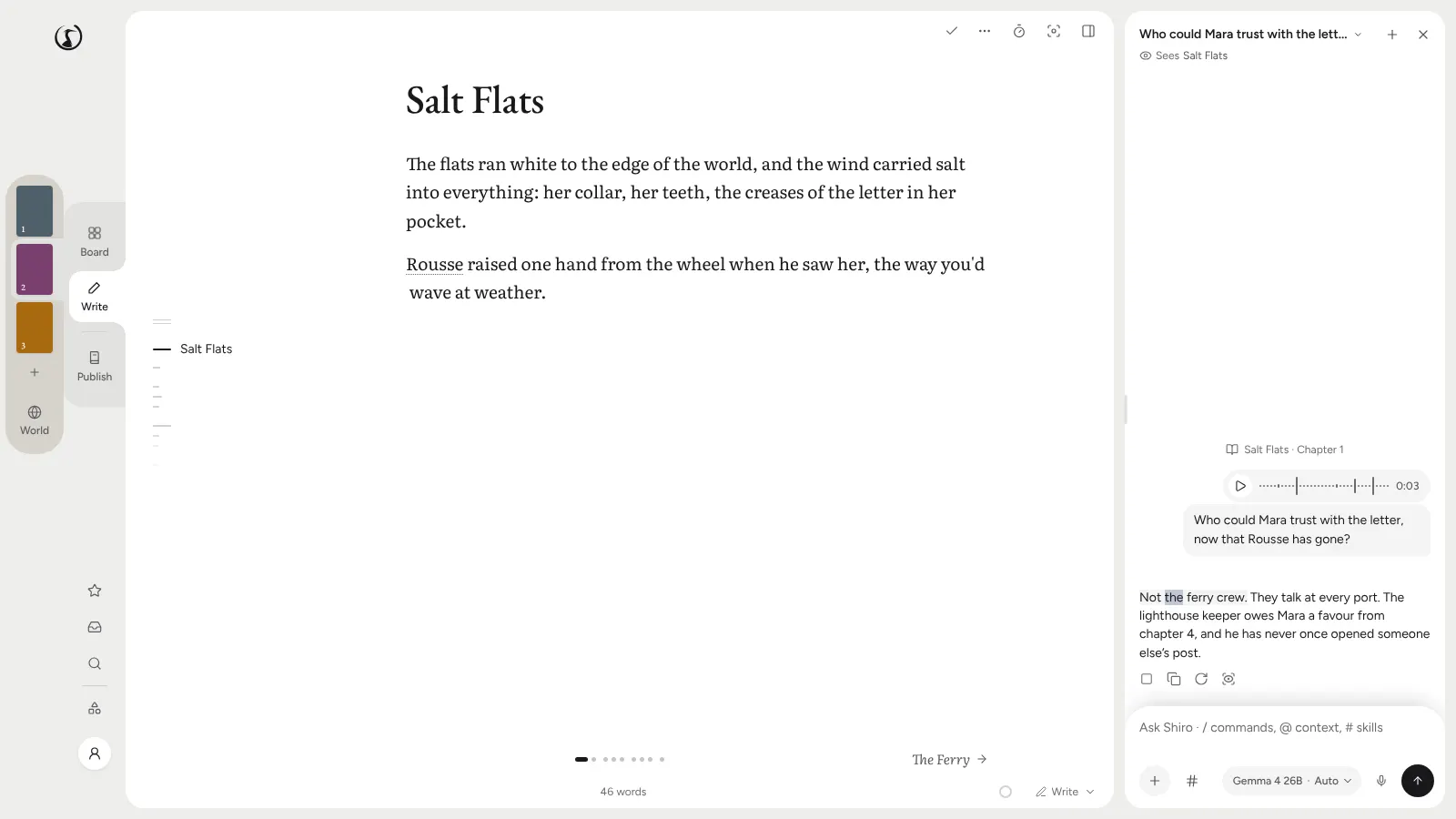
Some ideas arrive while you are pacing the kitchen, not while you are at the keyboard. The chat now has a microphone for those.
Press, or Hold
Press the microphone and what you say is typed into the message box, with your World’s names already known, so “Aurélie” does not come out as “oral E”. Hold it and you record a voice message, sent when you let go, with its words under it. The recording stays on the device that made it; the conversation keeps the words, the length and the shape of the sound.
Shiro Answers Out Loud
When you speak, Shiro reads its reply aloud as it writes it, one sentence at a time, with the sentence and the word marked on the page. A typed message is answered in silence, with Listen under the reply if you want it read after all. Typing, sending, Stop or Escape end the reading.
Hands-Free
Switch on hands-free while dictating and a pause sends what you said. Shiro answers out loud with the microphone closed, then opens it again for you. Under a long voice message you can keep its words as a note, or, with a model that can use tools, have Shiro sort them into the outline, World and notes.
The microphone shows only where your device can listen and keep your voice on it.